One account.
Every device.
Simple setup across desktop, mobile, and home. Download Kaixin Cloud and stay connected wherever life takes you.
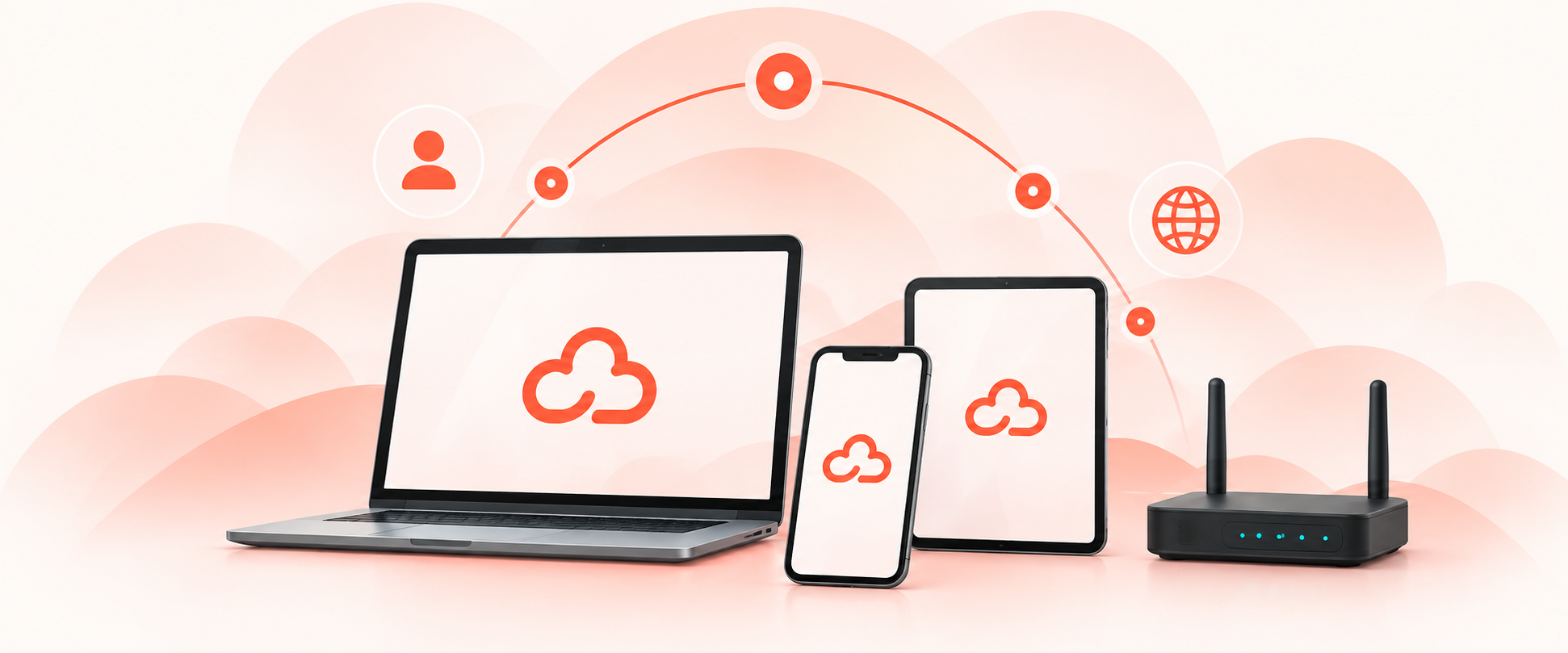
Choose your platform
Download Kaixin Cloud for your device and get started in minutes.
Windows
Windows 10+
A fast, lightweight client for everyday use on Windows.
- One-click installer (.exe)
- WireGuard & OpenVPN protocols
- 64-bit system required
macOS
macOS 11+
A native app designed for macOS.
- Drag-to-install (.dmg)
- Menu bar quick-connect
- Apple Silicon & Intel supported
Android
Android 8+
A smooth and secure mobile experience.
- Install via APK download
- Background protection
- WireGuard & OpenVPN
iOS
iOS 14+
Stay connected on your iPhone or iPad.
- App Store installation
- iPhone and iPad support
- WireGuard protocol support
Router
Home & office
Set up Kaixin Cloud on your router.
- WireGuard & OpenVPN support
- Covers all connected devices
- No per-device app needed
Manual setup
All platforms
Use configuration files for advanced setups.
- Config file import
- Requires WireGuard or OpenVPN client
- For advanced users
Ready in minutes
Get online in three simple steps.
Download
Choose your device and download the app or setup guide.
Sign in
Log in with your Kaixin Cloud account.
Connect
Enjoy a more open internet, wherever you are.

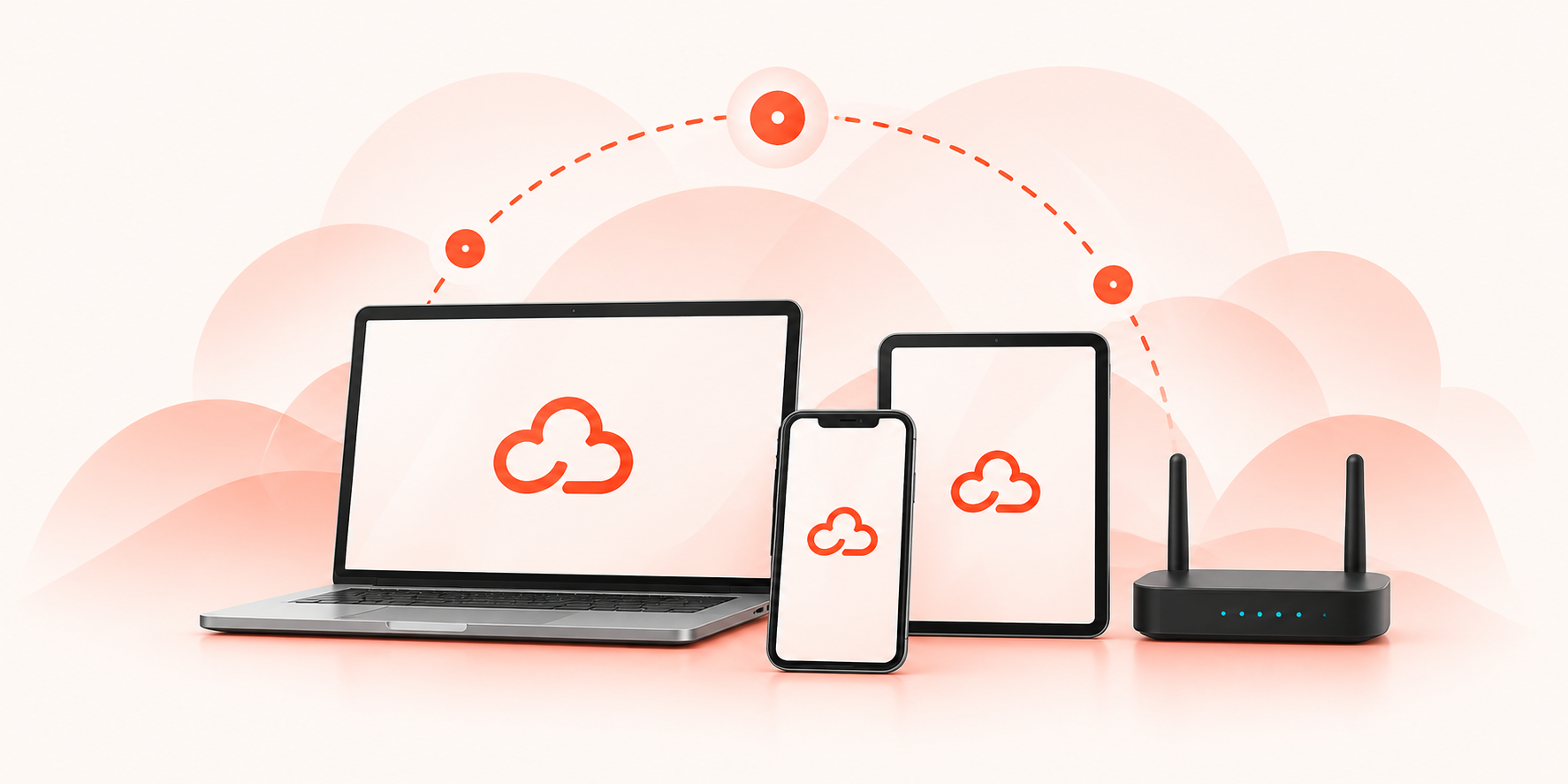
Simple on every screen
One account gives you a seamless experience across all your devices.
One account
Use one account on all your devices.
Automatic updates
Always the latest features and security.
Quick connection
Get online in seconds with a simple tap.
Setup guides
Step-by-step help whenever you need it.
Need a different setup?
Explore more options to suit your needs.
System requirements
Make sure your device is ready for Kaixin Cloud.
| Platform | Operating system | Description |
|---|---|---|
Windows | Windows 10 or later | 64-bit system recommended |
macOS | macOS 11 or later | Intel or Apple silicon |
Android | Android 8 or later | Phones and tablets |
iOS | iOS 14 or later | iPhone and iPad |
Router | Modern router | Support for OpenVPN or WireGuard |
Download questions, answered.
Everything you need to know about downloading and setting up Kaixin Cloud.
Kaixin Cloud supports Windows, macOS, Android, iOS, and most home routers, with configuration files available for any other device that supports OpenVPN or WireGuard.
Yes, downloading and installing the app is free. A subscription plan is required to connect to the network — see our Pricing page for details.
Choose your platform above, download the app, then follow the on-screen setup steps — most installs take just a few minutes.
Yes, a single Kaixin Cloud account works across all your devices at once.
Check the Router guide card above, or visit our Support page for detailed step-by-step instructions for popular router models.

Your next connection is one click away.
Download Kaixin Cloud and join thousands of people around the world who choose a safer, freer, and more connected internet.
Choose your device